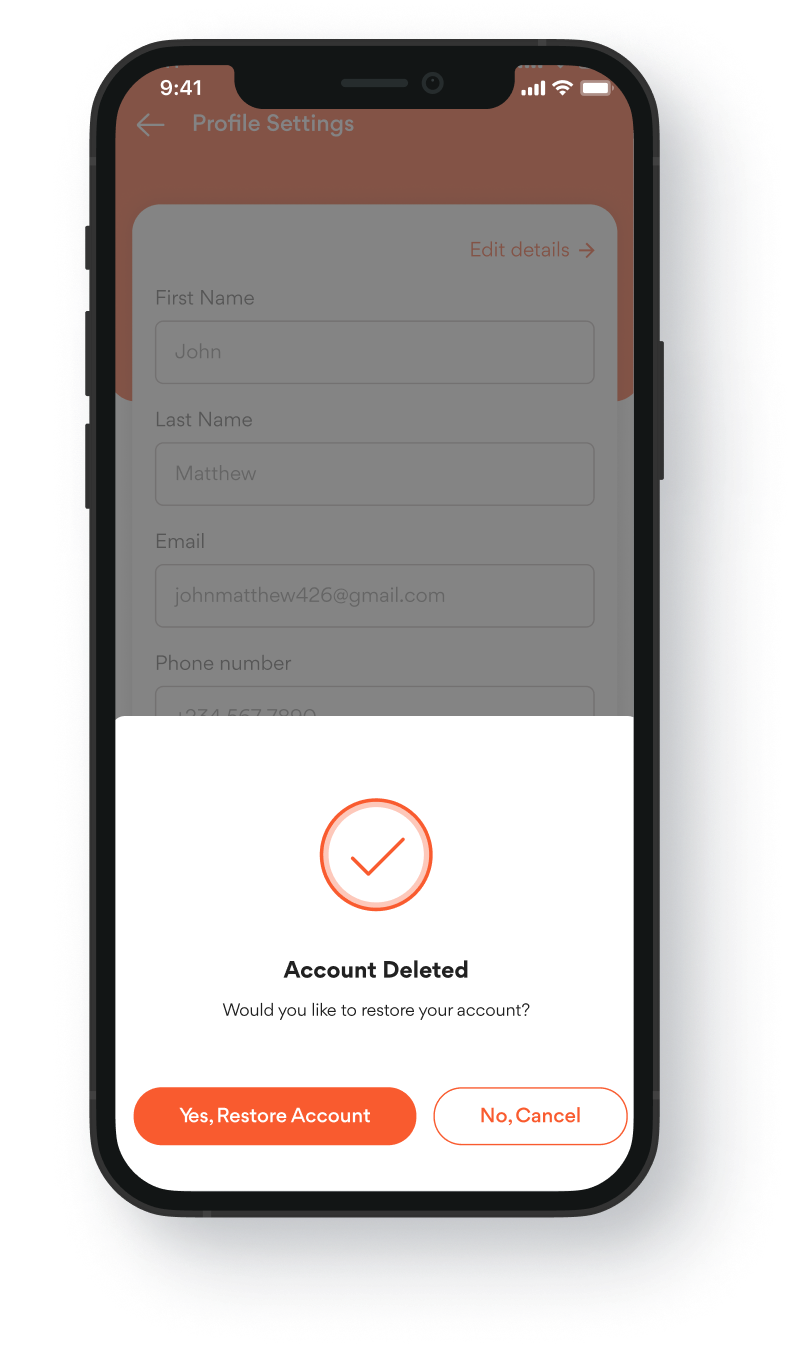
How to delete an OmniBiz retail account
Easy step by step guide on how to deactivate your account
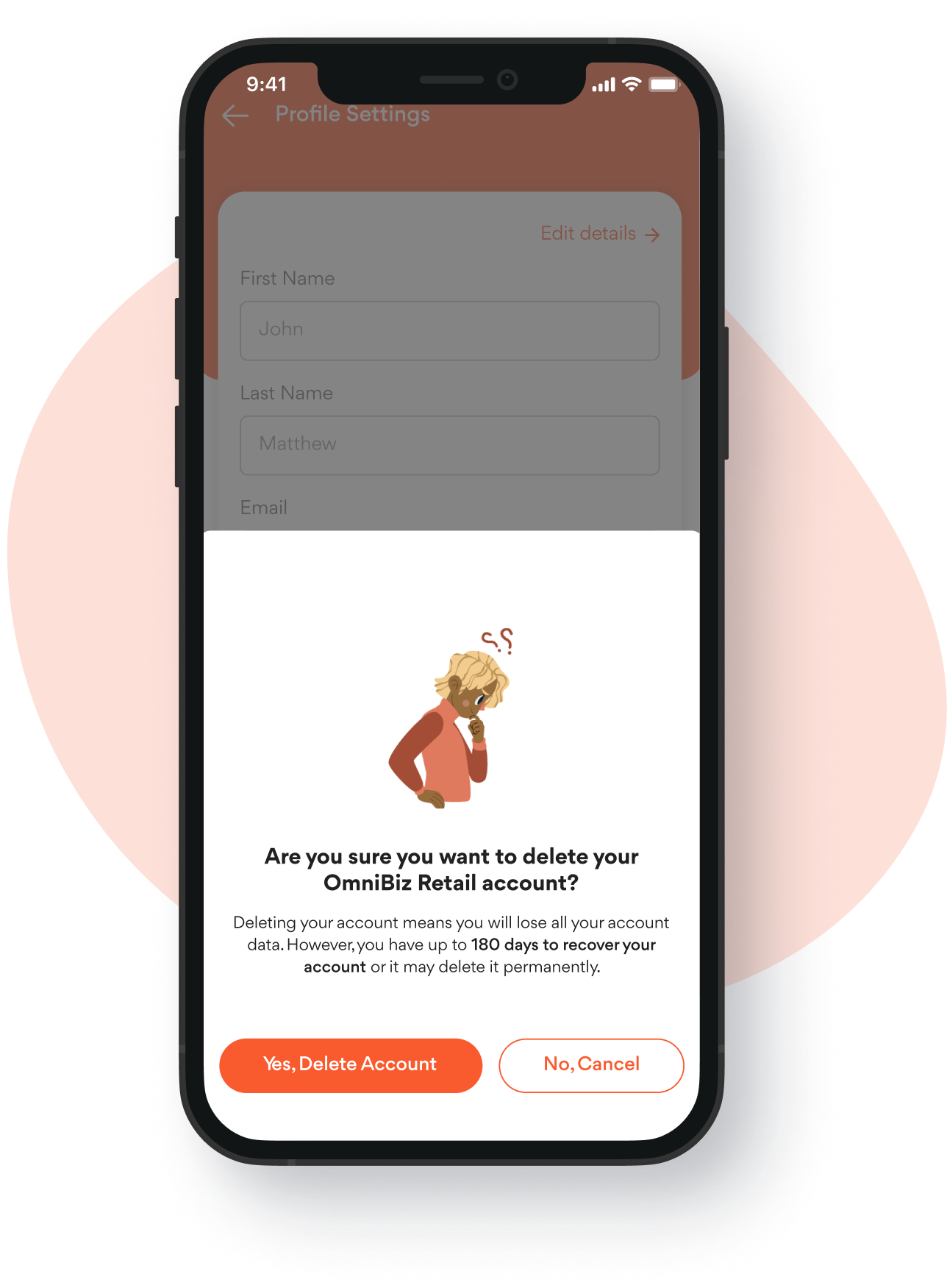
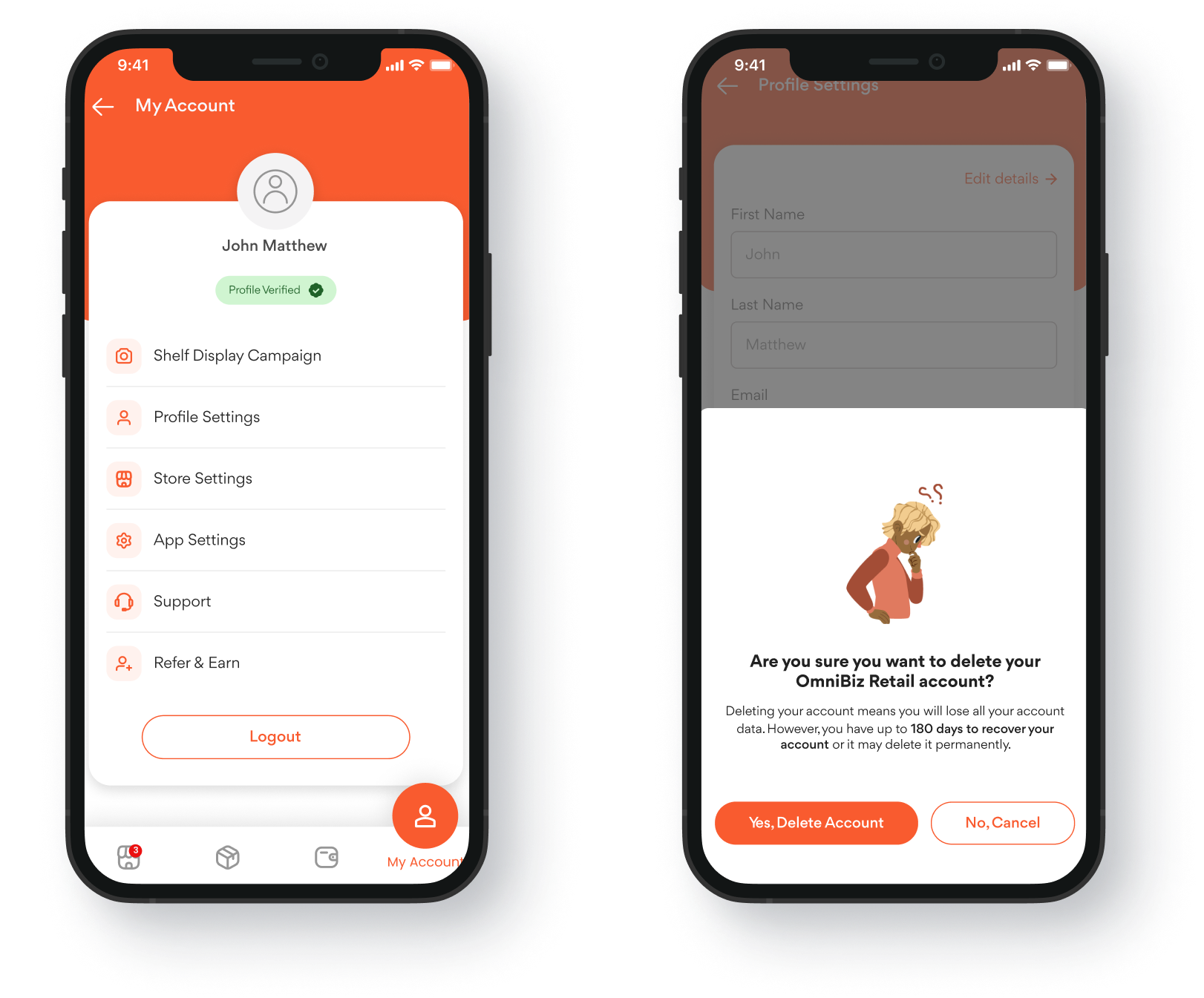
Step 1
Log in to your app with the account you want to delete
Easy step by step guide on how to deactivate your account. Click on this link to login
Step 2
Select a reason for deleting your account, read the terms and conditions
Tell us why you’d like to leave and kindly read and understand the terms and conditions